 ArticleAudio
Read X (Twitter) Posts Aloud
ArticleAudio adds a small play button to tweets and reads X Articles aloud, so you can listen without staying glued to the timeline.
 Add to Chrome - It's Free
 1,000 words free. No credit card required.
Not just for X (Twitter)
ArticleAudio works across the web
ArticleAudio works on X (Twitter), AI chats, email, documents, blogs, newsletters, and other text-heavy pages.


The same extension also works on AI chats, email, documents, blogs, newsletters, and articles.
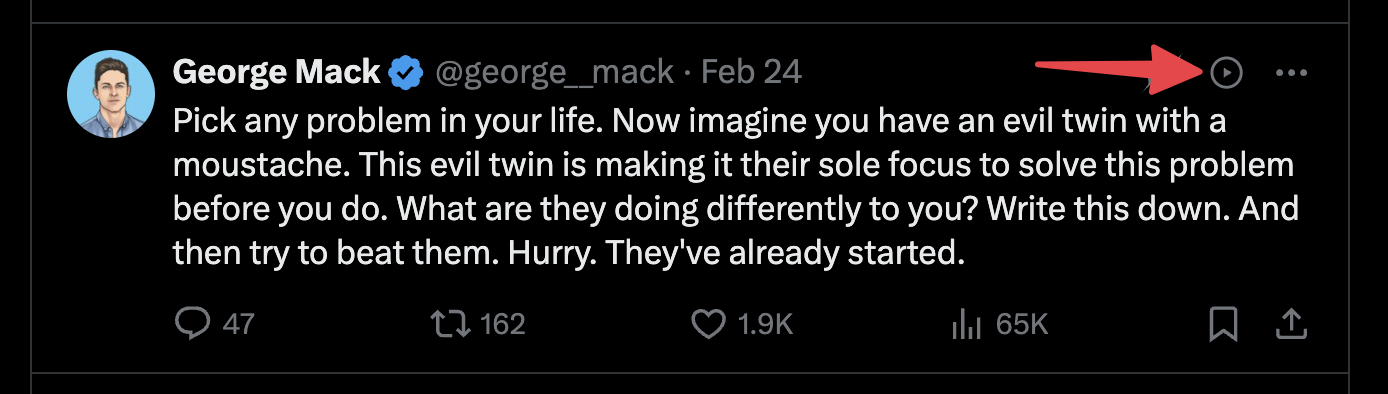
Tweet audio
Click Listen on any tweet
ArticleAudio adds a small orange play button to individual tweets. It sits next to the normal X (Twitter) actions, so you can listen to a post without selecting text or opening another tool.
It is useful for longer posts, saved replies, product updates, technical notes, and anything you would rather hear than read from the screen.
X Articles
Can I listen to Twitter articles?
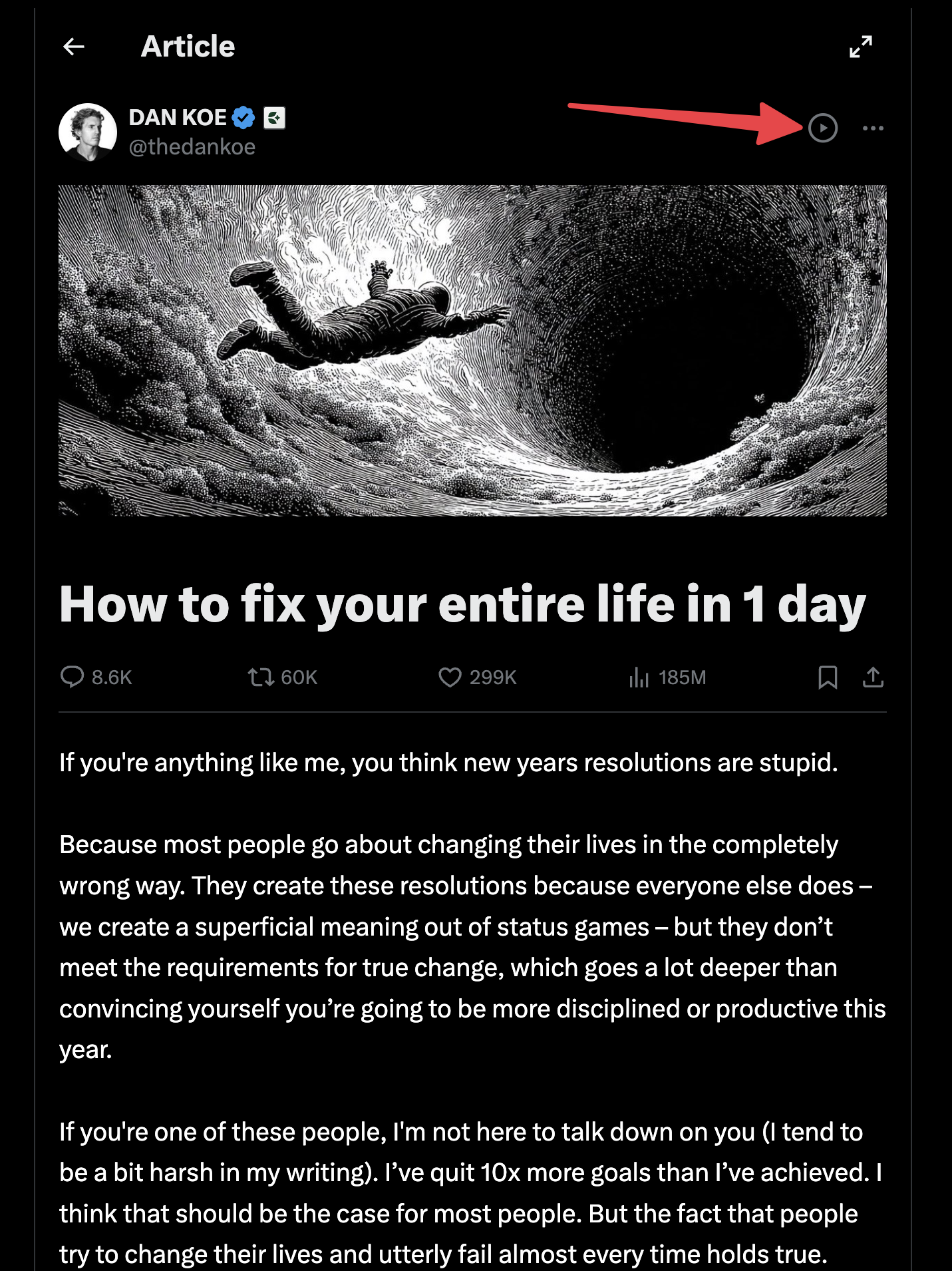
Yes. X Articles are long-form posts published directly on X (Twitter). Open the Article and click the ArticleAudio play button to listen, just like you can with individual tweets.
This is especially useful for long essays, explainers, creator posts, and analysis that is too long to comfortably read in the timeline.
How to listen to X (Twitter) posts and Articles
Once ArticleAudio is installed, listening fits into your normal X (Twitter) browsing flow.
01
Install ArticleAudio
Add the browser extension and open X (Twitter) in your usual browser.
02
Find something worth hearing
Use it on an individual tweet or a native X Article.
03
Click play
Click the play button on the tweet or Article you want to hear.
04
Start listening
Use the play button, Shift+Tab shortcut, or right-click menu to begin playback.
Four ways to start X (Twitter) audio
Start with the play button on tweets and X Articles. You can still use the shortcut or right-click menu for selected text.
Tweet or Article play button placeholder
01
Play button
Click the small ArticleAudio play button added to tweets. Native X Articles get a play button too, so long-form posts are one click away.
Appears near your selected text when you highlight 30+ words
02
Floating selection button
Select text anywhere on the page and use the orange play button that appears near your selection.
 shift +
  tab
tab 03
Shift+Tab shortcut
Use the keyboard shortcut when your hands are already on the keyboard while browsing X (Twitter).
04
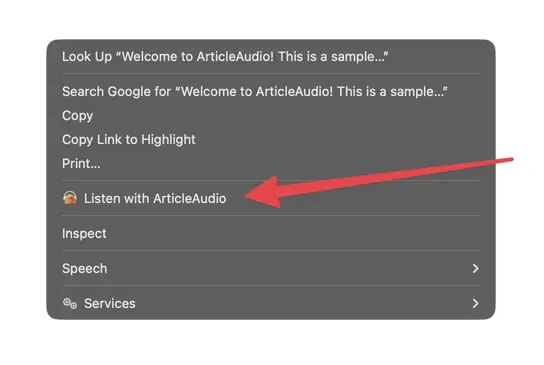
Right-click menu
Use the browser context menu when you prefer a standard menu path for selected text.
Frequently Asked Questions
Does ArticleAudio work on X (Twitter)?
Yes. ArticleAudio works on X (Twitter). It can add a play button to individual tweets and native X Articles.
Can ArticleAudio read X Articles?
Yes. X Articles are long-form posts published on X. Open the Article and click the ArticleAudio play button to listen.
Does it work with posts that have images or videos?
ArticleAudio reads the written text. Images and videos are skipped, but captions, post text, and selected article text can be converted to audio.
Do I need to select tweet text first?
For tweets and X Articles, no. ArticleAudio adds a small play button so you can start listening without selecting text first.
Is there a free trial?
Yes. You get 1,000 words free when you install ArticleAudio, with no credit card required. That's enough to listen to several tweets and article excerpts.
Start listening today
Install ArticleAudio and transform how you consume content on the web
 Add to Edge
  Add to Firefox
  Add to Opera