 ArticleAudio
 Made for Mozilla Firefox
Firefox text to speech that reads the web aloud
Turn articles, webpages, and selected text into natural-sounding audio. ArticleAudio is a Firefox text-to-speech extension for listening instead of staring at another screen.
Add to Firefox — Try for Free 1,000 free words · No credit card
Now reading
Listen to this page
Natural text to speech turns a long read into audio you can take with you.
The short answer
Can Firefox read webpages aloud?
Yes. A Firefox text-to-speech add-on can turn the words on a webpage into spoken audio. With ArticleAudio installed, you can listen to a full page where supported or highlight a specific passage and hear only that selection.
That makes read-aloud useful for long articles, research, newsletters, and other text-heavy pages. ArticleAudio works inside Firefox, so you can keep the original page open instead of copying its text into a separate reader.
ArticleAudio is a text-to-speech listening tool. It does not replace a full screen reader or Firefox accessibility features that provide navigation and interface context.
Features
Full-page listening
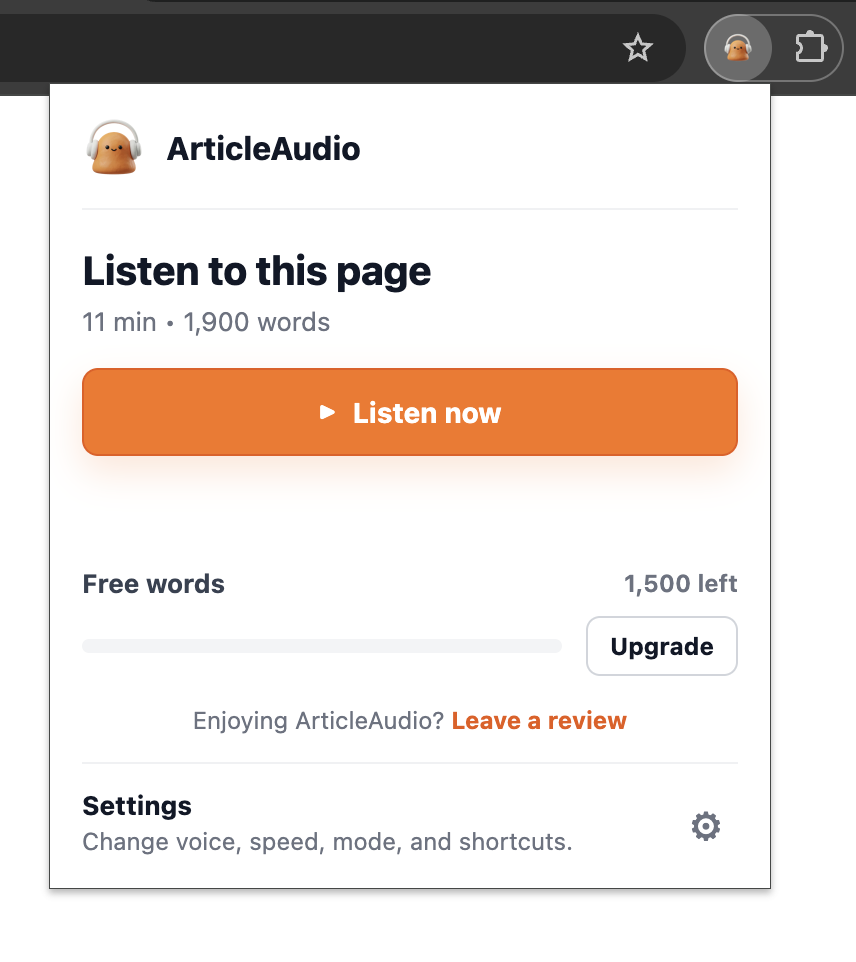
Listen to the whole page
Open the ArticleAudio popup on a long article, essay, or research page and start listening without selecting every paragraph by hand.
Prefer a smaller chunk? Select a passage when you only want one section. Full-page playback and selected-text playback work together.
Instant Access
One shortcut to listen
Select any passage on a webpage and press the shortcut when you want to hear just that part. No menus, no clicking around.
 shift +
  tab
tabRight Click Menu
Or just right-click
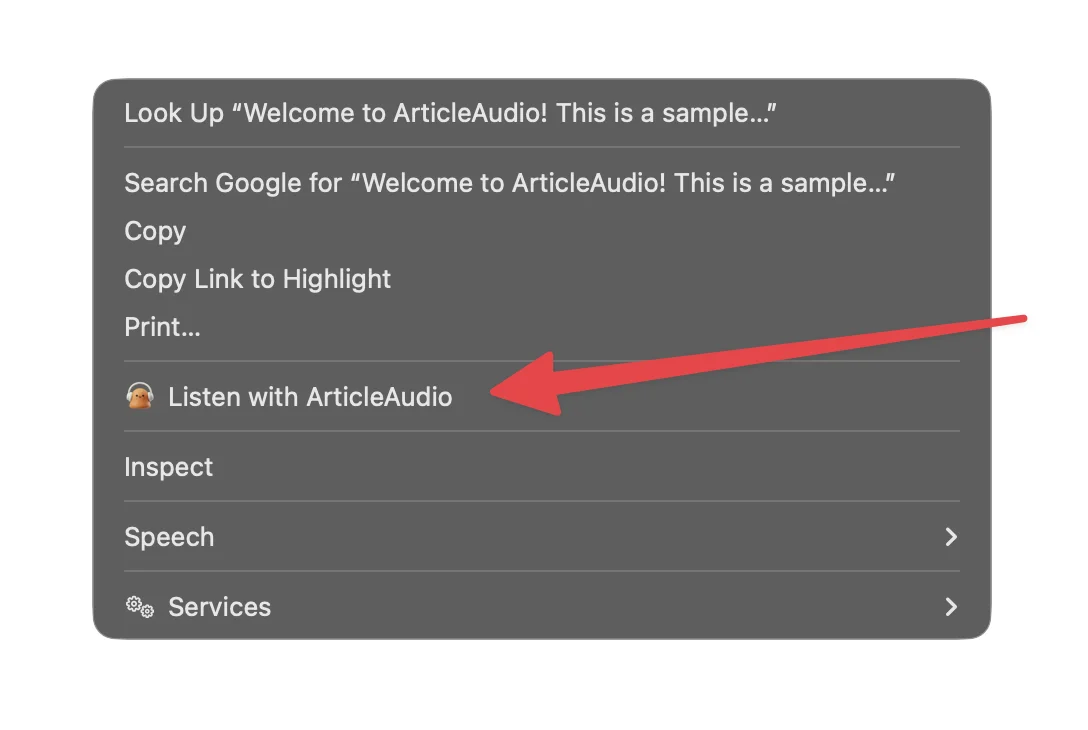
Select text, right-click, and choose "Listen with ArticleAudio" from the menu.
Universal Support
Works on any website
From AI chats to newsletters to news sites, ArticleAudio helps you listen where you already read.
 ChatGPT
 Claude
 Gemini
 Gmail
Gmail Substack
 Medium
 Wikipedia
 X (Twitter)
& more
One-click playback
A play button right where you read
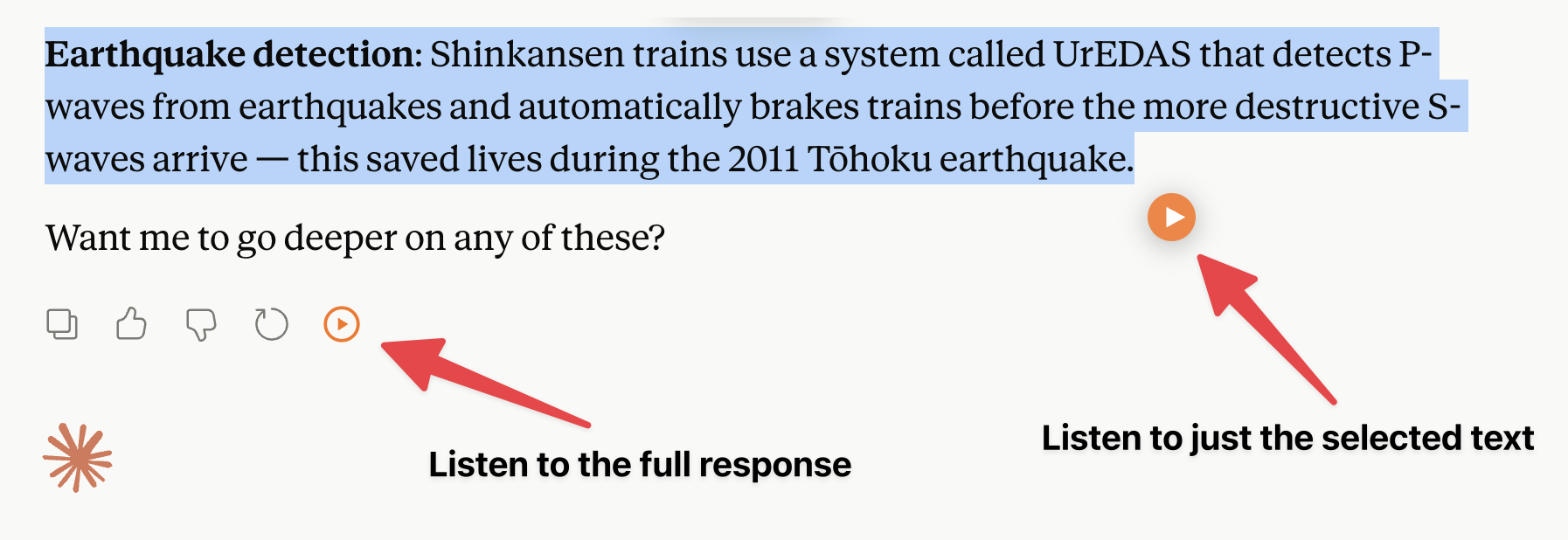
On the sites you use most, ArticleAudio adds a dedicated play button next to each response — listen to the whole answer in one click, or select a passage for just that part.
Available on Claude, ChatGPT, Twitter / X.
Voices & Speed
Tune it to your taste
Choose from 6 natural AI voices and dial in the playback speed — speed through familiar content or slow down for the dense stuff.
Nova
Energetic & vibrant
Alloy
Neutral & balanced
Echo
Warm & engaging
+ 3 more voices
How it works
Make Firefox read aloud in three steps
Go from written page to spoken audio without leaving your browser.
- 1
Add ArticleAudio to Firefox
Install the extension from its official listing on Mozilla Firefox Add-ons.
- 2
Open the page you want to hear
Visit an article, newsletter, research page, or any other text-heavy webpage.
- 3
Choose what to read aloud
Play the page or select a specific passage, then listen while you work, walk, or rest your eyes.
Text to speech without changing browsers
ArticleAudio is available directly from Mozilla Firefox Add-ons. Every download button on this page takes you to the official Firefox listing.
Get ArticleAudio for FirefoxUseful for everyday reading
Hear more. Look at the screen less.
- Long articles: keep listening while you commute, cook, or take a walk.
- Research and study: review written material in an audio format.
- Selected passages: hear only the paragraph or section that matters.
- Eye comfort: give your eyes a break without abandoning the page.
Firefox TTS FAQ
Frequently asked questions
Does Firefox have built-in text to speech?
Firefox has a built-in Read aloud control inside Reader View. It appears only on pages that support Reader View and when your operating system has a text-to-speech voice for the article’s language. A Firefox extension is useful when you want a consistent workflow for full webpages and selected passages outside Reader View.
How do I make Firefox read an entire webpage aloud?
Install ArticleAudio from Mozilla Firefox Add-ons, open a text-heavy webpage, and choose the full-page listening action. ArticleAudio extracts the readable page content and prepares it as audio, so navigation, menus, and other surrounding interface text are not treated as part of the article.
How do I make Firefox read only selected text?
Select a sentence, paragraph, or longer passage, then use ArticleAudio’s floating play button, press Shift+Tab, or open the right-click menu. Only the selected text is converted to audio, so you do not have to listen to the rest of the page.
Can Firefox read a PDF aloud with ArticleAudio?
ArticleAudio can read selected text from a PDF in Firefox through the right-click menu. Full-PDF playback and the Shift+Tab shortcut are not available in the browser PDF viewer, so you must select the passage you want to hear first.
Can I change the Firefox text-to-speech voice or speed?
Yes. ArticleAudio includes six AI voices and playback speeds from 0.75× to 2×. Its Firefox player also provides play, pause, seek, skip, and MP3 download controls after the audio has been generated.
Is ArticleAudio a screen reader for Firefox?
No. ArticleAudio converts readable webpage text into audio, but it does not announce browser controls, form labels, page landmarks, or navigation state. People who need full interface access should use a dedicated screen reader or Firefox’s accessibility features.
Is the Firefox text-to-speech extension free?
ArticleAudio is free to try with 1,000 words of audio generation, with no credit card required. Premium removes the word limit for people who want unlimited listening.
How many devices or browsers can I use with ArticleAudio Premium?
An individual Premium license is for one person and can be activated on up to 3 devices or browser installations at the same time. It cannot be shared with other people. Contact us if you need access for a university, business, or other organization.
Let Firefox read your next page aloud
Install ArticleAudio from Mozilla Firefox Add-ons and try natural text to speech with 1,000 free words.
Add ArticleAudio to Firefox