Claude

Listen to Claude AI Responses

Turn Claude's detailed analyses and explanations into natural audio. Perfect for learning hands-free, reducing eye strain, or reviewing responses while multitasking.

Add to Chrome - It's Free

2,000 words free. No credit card required.

How it works

Step 1 — Select text

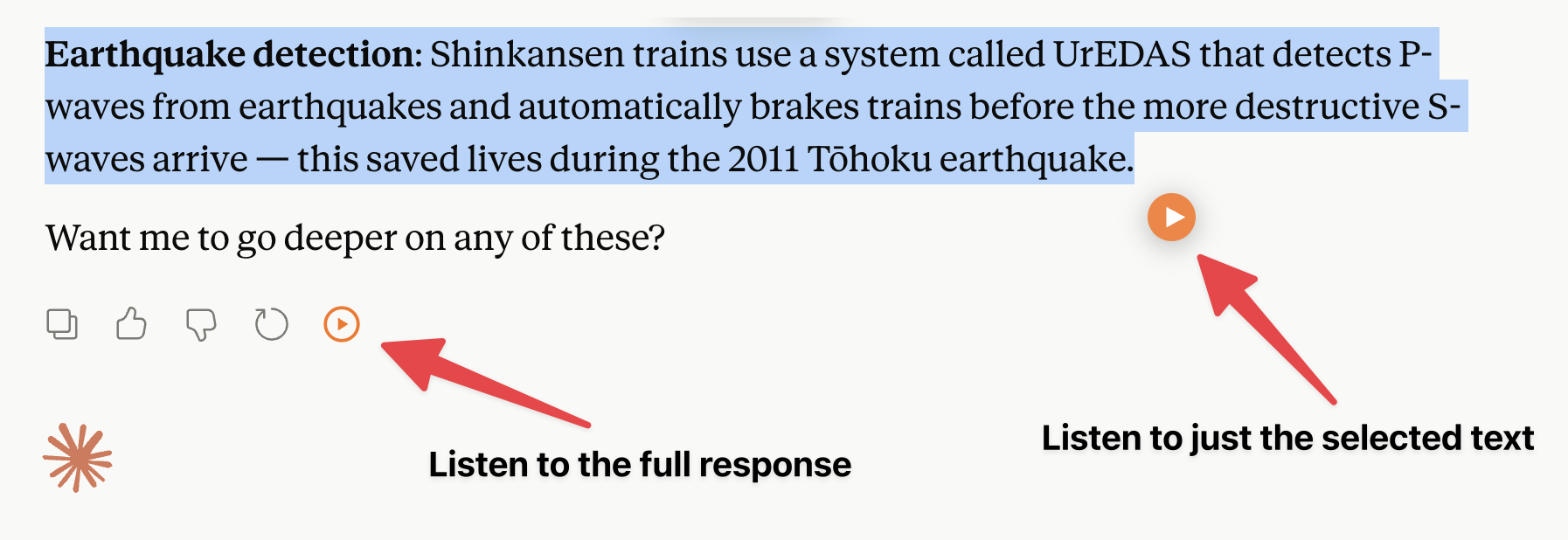
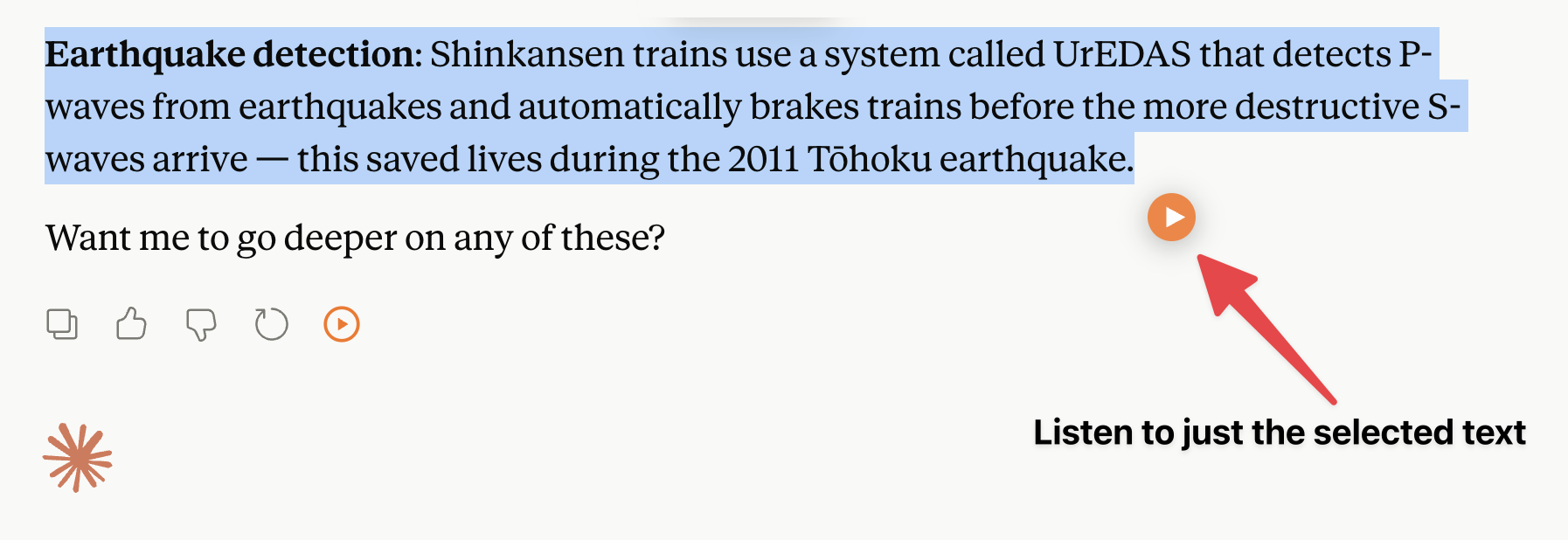
Select any Claude response — or just a part of it — that you want to listen to.

Step 2 — Listen

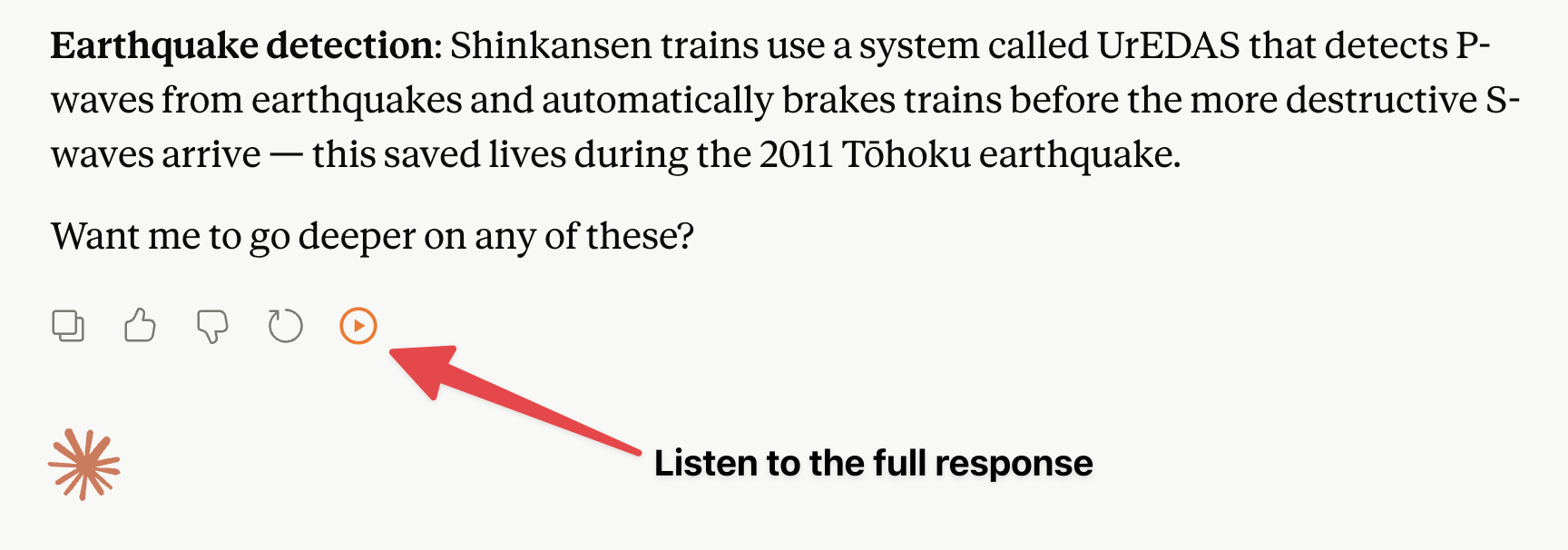
Use any of these options to start listening:

Option 1

Play button

Appears near your selected text when you highlight 30+ words

Option 2

Keyboard shortcut

shift + tab

Option 3

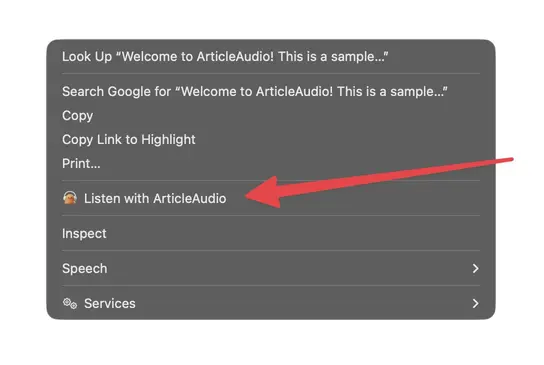
Right-click menu

Right-click context menu showing 'Listen with ArticleAudio'

The Problem with Reading on Claude

Great content, but not always convenient to read

Long, detailed responses are hard to read

Claude is known for thorough, nuanced answers. Reading through multi-paragraph explanations on screen gets tiring, especially during deep research sessions.

No built-in text-to-speech

Claude doesn't offer a native read-aloud feature. You're stuck reading every response yourself, no matter how lengthy or detailed.

Hard to multitask while reviewing answers

You asked Claude to analyze something in depth, but now you have to stop everything else to sit and read through the thorough explanation.

Eye fatigue from extended conversations

Claude's detailed writing style is great for understanding, but long back-and-forth conversations mean a lot of reading and eye strain.

How ArticleAudio Helps

Turn any Claude content into natural-sounding audio

Listen to any Claude response

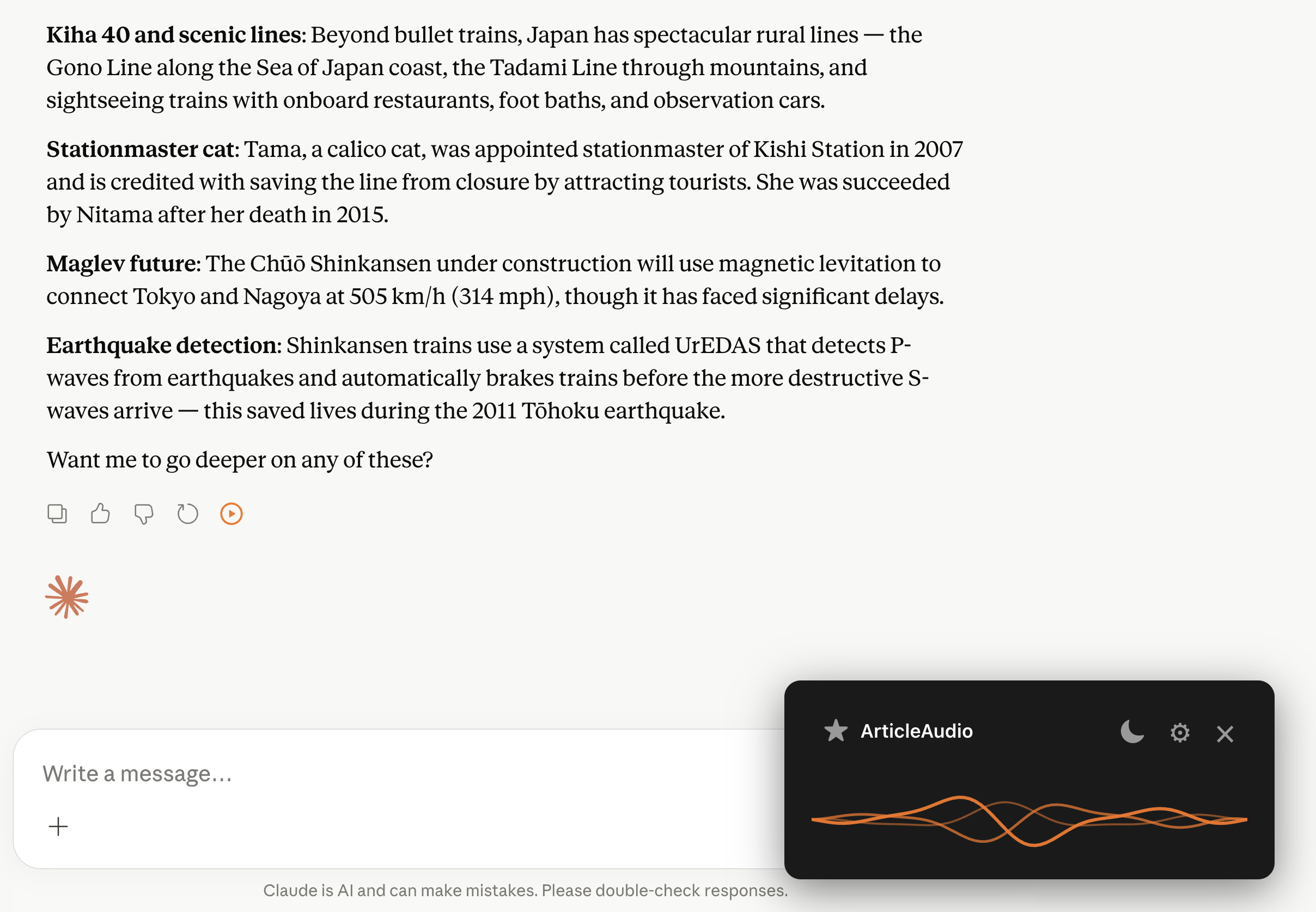
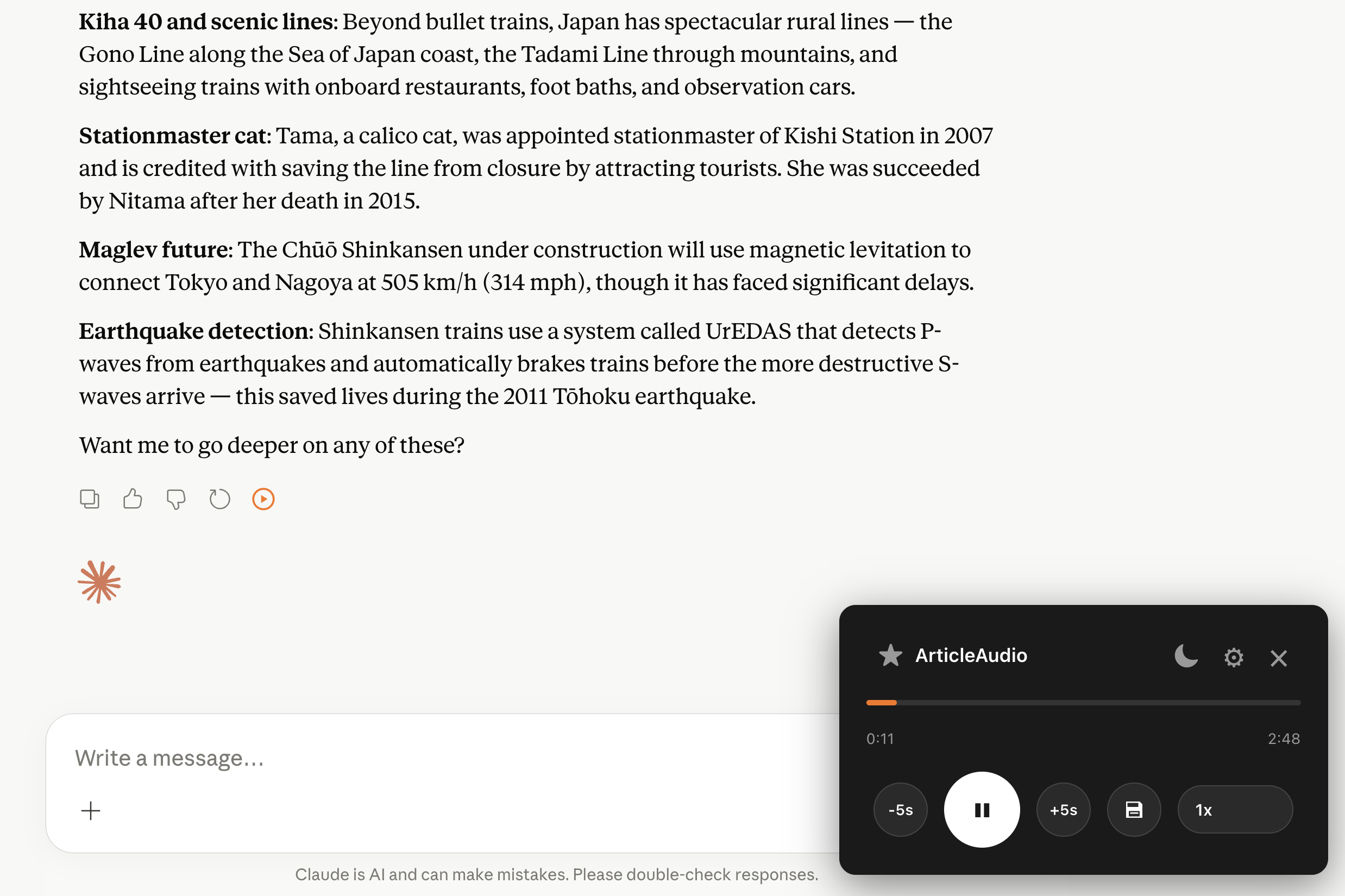
Highlight any Claude response, press Shift+Tab, and hear it read aloud in a natural voice. Perfect for long analyses, summaries, and detailed explanations.

Learn hands-free

Ask Claude to explain a concept, then listen to the answer while cooking, walking, or exercising. No screen required.

Better comprehension through audio

Claude's nuanced explanations can be easier to absorb when you hear them. Listening helps you follow complex arguments and retain information more effectively.

Adjustable playback speed

Speed up to 2x to quickly review responses or slow down for dense, technical content. Full control over how you consume Claude's answers.

Perfect For

Listen to Claude content in situations where reading isn't practical

Listening to long analyses and explanations
Reviewing writing feedback and edits hands-free
Learning new concepts while multitasking
Reducing screen time during research sessions
Accessibility for visually impaired users
Reviewing Claude summaries and breakdowns on the go

Frequently Asked Questions

Does ArticleAudio work with Claude?

Yes! ArticleAudio works on any webpage, including claude.ai. Simply highlight the Claude response you want to hear, press Shift+Tab, and listen.

Can I listen to an entire Claude conversation?

You can select as much text as you want from the conversation. Highlight multiple responses or the entire chat thread, then press Shift+Tab to listen to it all.

Does Claude have a built-in read-aloud feature?

No, Claude doesn't include a native text-to-speech option. ArticleAudio fills that gap — letting you listen to any Claude response with natural AI voices and full playback controls.

Does it work well with Claude's long-form responses?

Absolutely. ArticleAudio handles long text naturally. You can select Claude's full response or just the sections you want to hear — great for lengthy analyses and detailed breakdowns.

Can I use this while Claude is generating a response?

It's best to wait until Claude finishes generating its response, then highlight and listen. This way you get the complete answer in audio form.

Is there a limit on how much I can listen to?

The free tier includes 2,000 words. For unlimited listening to Claude responses and all other content, our premium plan at $3/month is a great value.

Start listening today

Install ArticleAudio and transform how you consume content on the web